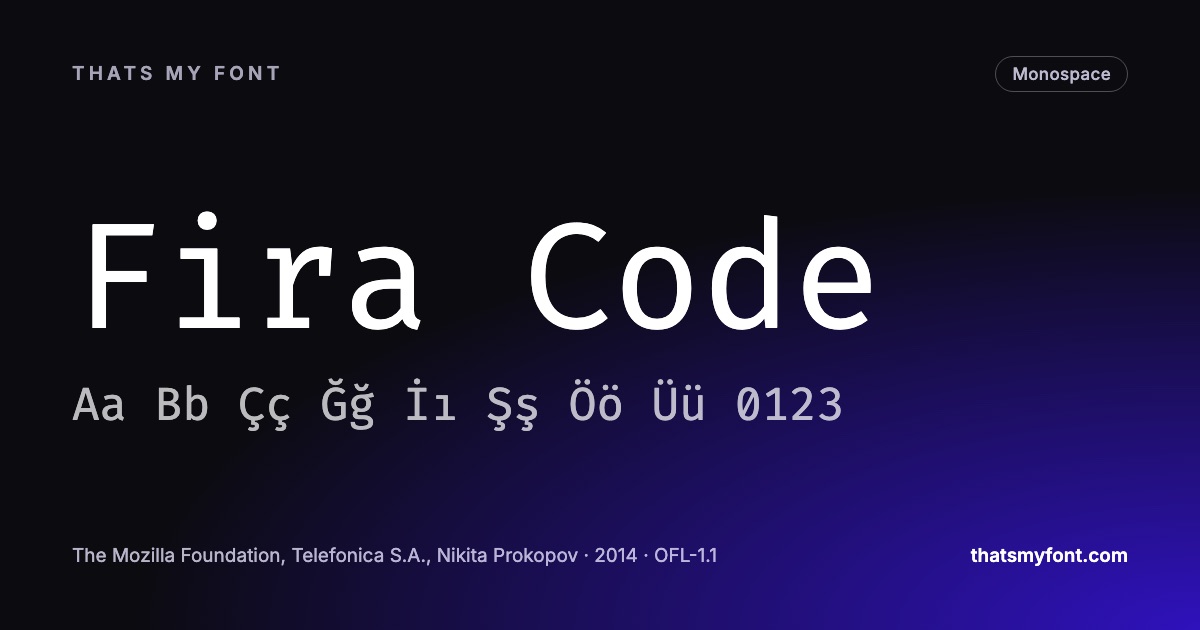
Open a file in a coding font like Fira Code and some pairs of characters stop looking like pairs. Two equals signs become one long bar, an exclamation mark and an equals sign become a proper not-equal sign, and an arrow typed as a hyphen and a bracket turns into a real arrow. These are programming ligatures, and they divide developers roughly down the middle.
What a programming ligature actually is
A ligature is two or more characters drawn as one shape. Printers have used them for centuries — the fi in a book is usually a single piece of type, because the dot of the i would otherwise collide with the hood of the f. Programming ligatures borrow the idea for operators: the font notices a sequence like != or === and swaps in a glyph drawn to read as one symbol.
The important detail is that nothing in the file changes. The characters on disk are still an exclamation mark and an equals sign. Copy the line into another program and the ligature is gone. The font is only changing how the text is painted, which is why switching it off is a display setting and not a code change.
In a monospaced font the merged glyph still takes up exactly the width of the characters it replaces — two cells for a two-character operator. Columns stay aligned, and the cursor still moves through the pair one character at a time.
The fonts in this archive that have them
Fira Code is where most people meet the idea: it took Mozilla’s Fira Mono and added a large ligature set. JetBrains Mono is the default in JetBrains’ IDEs and draws its ligatures more conservatively. Cascadia Code is Microsoft’s, made for Windows Terminal. Victor Mono combines ligatures with a cursive italic that makes comments look handwritten. The whole group is on the ligatures style page.
Victor Mono — variable
Sphinx of black quartz, judge my vow
In the static download
Turning them on in your editor
Installing the font is not enough; most editors ship with ligatures off. The switch is one line or one tick box.
- VS Code: set
editor.fontFamilyto the font’s name andeditor.fontLigaturesto true in your settings. - JetBrains IDEs: Settings, then Editor, then Font, and tick Enable ligatures.
- Terminals: support varies. Windows Terminal and iTerm2 draw them; some fast GPU terminals deliberately do not. If a terminal shows the characters separately, the font is fine and the terminal is the limit.
On a web page, programming ligatures are usually built from the contextual alternates feature, not the standard ligature one. That catches people out: font-variant-ligatures: none may not remove them, and font-feature-settings: "calt" 0 will. If you are showing code samples on a site, see how to self-host a font first.
The case against, which is not nothing
The objection is that ligatures hide what you typed. A merged not-equal sign looks like the mathematical symbol, and in some languages the two-character operator and a single Unicode symbol mean different things. When reading someone else’s code, or teaching, the literal characters can matter more than the prettiness. There is also the plain matter of taste: some people find the merged shapes distracting.
That is why the choice belongs to the reader and not the font. Every one of these families works perfectly well with the feature switched off, and our list of the best free monospace fonts covers the ones without ligatures too.
| Family | Variable download | Static download |
|---|---|---|
| Fira Code | 138 KB1 file | 481 KB5 files |
| JetBrains Mono | 187 KB2 files | 892 KB16 files |
| Cascadia Code | 522 KB2 files | 2.0 MB12 files |
| Victor Mono | 198 KB2 files | 936 KB14 files |
Where the merged shapes come from
The pairs are not invented by the editor. They are built into the font as OpenType features: a table of "when you see this sequence, draw this glyph instead". Programming ligatures nearly always live in the contextual alternates feature rather than the standard ligature one, which is why turning off ligatures in a design program often leaves them switched on.
That also explains why two ligature fonts disagree about what to merge. Fira Code’s table is long and covers operators from a dozen languages; JetBrains Mono’s is deliberately shorter. Neither is more correct — a font can only merge what its designer decided to draw.
Where they do not work
- Terminals vary. Windows Terminal and iTerm2 draw them; several of the fast GPU-rendered terminals deliberately do not, because ligatures complicate their grid.
- Diff views and code review tools often render with a plain monospace stack of their own, so your editor’s ligatures disappear exactly where you are reading somebody else’s code.
- Anything that measures text in cells — ASCII tables, box drawing, aligned comments — is unaffected in a monospaced font, because the merged glyph keeps the width of the characters it replaces.
- On the web they need the font to be loaded and the contextual alternates feature left on, which is the default.
Choosing between the four
Fira Code has the largest set and is the one most tutorials assume. JetBrains Mono merges less and has a taller lowercase, which is easier at small sizes. Cascadia Code is softer in shape and ships with a genuine cursive italic. Victor Mono is the narrowest of the four, so more code fits on a line, and its italic is the most obviously handwritten.
The choice is worth ten minutes rather than an afternoon: install two, use each for a day, and keep the one you stop noticing. A coding face is read for hours at a time, and the one that disappears is the one that works.
Screenshots, slides and other people’s eyes
Ligatures are a preference, and a screenshot takes your preference somewhere else. In a tutorial, a slide or a bug report, a merged operator is a symbol the reader has to decode before they can copy it — and beginners frequently try to type the arrow they can see rather than the two characters that produce it.
For anything aimed at people learning, turn ligatures off before capturing the screen, or use the no-ligature twin of the family. For your own editor, keep whatever you prefer: the file on disk is identical either way.