Ask which font is most readable and you will be handed a list of names. The more useful answer starts one step back: readability is mostly decided by size, spacing, contrast and line length, and the typeface is the last and smallest of those choices. A good face set badly loses to an ordinary face set well every time.
Legible and readable are different things
Legibility is whether a single character can be recognised — whether the capital I can be told from the lowercase l, or the zero from the capital O. Readability is whether a whole paragraph can be read comfortably for a long time. A font can be very legible and still tiring to read in bulk, and the reverse is true of some elegant book faces whose individual letters are ambiguous.
For most readers most of the time, readability is what matters. For readers with low vision, for anyone reading codes, passwords or reference numbers, and for signs read at a distance, legibility becomes the whole question.
Fonts designed for legibility
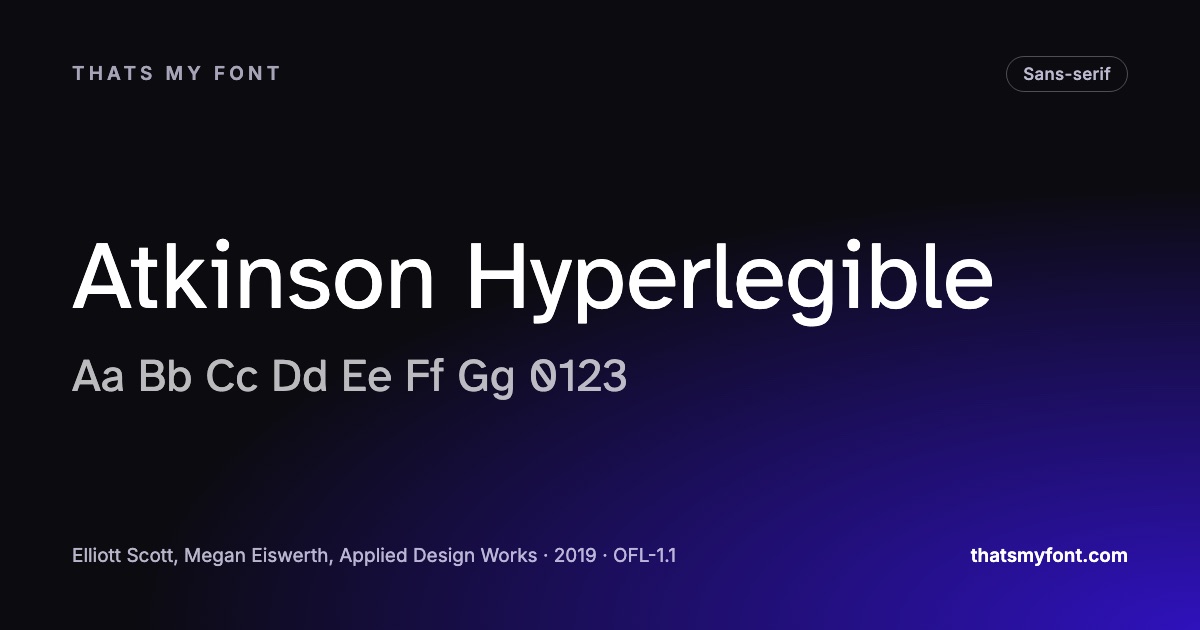
Atkinson Hyperlegible was commissioned by the Braille Institute for readers with low vision. The capital I, lowercase l and figure 1 are unmistakably different, the zero is slashed, and pairs that normally mirror each other are drawn with small differences so they cannot be swapped by a tired eye. It is the clearest single answer to the question in this archive.
Inter — variable
Sphinx of black quartz, judge my vow
In the static download
Intel One Mono applies the same thinking to code, and was tested with developers who have low vision. Lexend comes from research into reading fluency and is drawn wider and more openly spaced than usual. Inter is not an accessibility font but is thoroughly unambiguous where it counts, which is why it sits under so many interfaces.
What about fonts for dyslexia?
Several typefaces are marketed specifically to readers with dyslexia, usually with weighted bottoms on the letters. The studies that have tested them have not found that they help more than a clear, well-spaced ordinary sans — and some readers dislike them. What the research does support is generous letter and line spacing and avoiding italics and all-capital text for long passages. A reader who prefers a particular font should use it; a site does not need to pick one on their behalf.
The settings that matter more than the font
- Size. Sixteen pixels is the browser default and the sensible minimum for body text on a website. Our post on body text size has the reasoning.
- Line spacing. Around 1.5 times the font size for paragraphs. The accessibility guidelines ask that a page still work when a reader forces it to 1.5.
- Line length. Roughly 45 to 75 characters. Longer lines make the eye lose its place on the way back.
- Contrast. Dark text on a light ground at a ratio of at least 4.5 to 1. Pale grey text is the most common readability fault on the web.
- Weight. Regular for reading. Light weights look refined in a design file and wash out on a real screen.
| Family | Variable download | Static download |
|---|---|---|
| Atkinson Hyperlegible | None published | 124 KB4 files |
| Lexend | 91 KB1 file | 356 KB9 files |
| Inter | 957 KB2 files | 9.1 MB54 files |
| Intel One Mono | 801 KB12 files | 615 KB10 files |
Reading distance changes every number
Readability advice is almost always written for a phone held 35cm away, and then applied to a laptop at 60cm and a television at three metres. Size has to scale with distance, and the scaling is roughly linear: text that is comfortable at 16px on a phone needs to be nearer 20px on a desktop monitor and very much larger on anything across a room.
- Phone, 30 to 40cm: 16px body text, 14px for secondary lines and nothing below 12.
- Laptop or desktop, 50 to 70cm: 17 to 19px for an article, 16px for an interface.
- Presentation, a few metres: 24pt minimum, and larger in a big room — see our post on slides.
- Signage, across a street: the traditional rule is about 25mm of cap height for every three metres of reading distance.
Three faults that outrank the typeface
- Pale grey text. The most common readability fault on the web, and the easiest to fix: dark text on a light ground at 4.5:1 or better, measured rather than eyeballed.
- Lines that run the width of the window. Past about 75 characters the eye loses its place on the way back, and a max-width on the text column costs one line of CSS.
- Line height left at the browser default. 1.2 is fine for a heading and cramped for a paragraph; 1.5 is the number to start from.
Any of those three will cost more comfort than the difference between two well-drawn typefaces. The Lorem Ipsum tool on this site puts all three in front of you at once: a real paragraph, in a frame you can drag to the column width you plan to use, with the contrast ratio of your two colours worked out beside it.
Testing it properly takes two minutes
Set two hundred words of real copy — not filler, and not a pangram — at the exact size, colour and column width you intend, and read it. Not look at it: read it, to the end. The face that lets you finish without losing your place once is the readable one for that text at that size.
Then do two checks for the readers who are not you: zoom the page to 200% and see whether anything is cut off or overlaps, and increase the letter, word and line spacing the way the accessibility guidelines allow a reader to. A layout that breaks under either of those is a layout that fails for people who need it most, however good the typeface is.