Most of the difference between type that looks professional and type that looks default is space: between two letters, across a whole word, and between lines. Typographers have three words for these, and each maps to one CSS property. Knowing which is which saves a lot of blind fiddling.
Kerning: the space between two particular letters
Some pairs of letters leave an awkward gap when set at their normal widths. A capital A next to a V, a T above an o, a W beside an a — the shapes do not fill their boxes, so the space between them looks larger than elsewhere. Kerning is a table inside the font that says, for each such pair, how much closer to set them.
You do not usually write kerning yourself. A well-made font carries thousands of pairs, and browsers apply them by default. The CSS property font-kerning exists mainly to switch them off, which you should almost never do. If a headline has a gap that still bothers you after that, the fix is on that one pair, not on the whole line.
Tracking: the space across a whole run of text
Tracking adds or removes the same amount of space between every letter. In CSS it is letter-spacing, and the one rule worth remembering is to give it in em, so it scales with the font size: letter-spacing: 0.05em means the same thing at 12 pixels and at 120.
- Capitals need more. Fonts are spaced for lowercase. A line of capitals or small caps looks cramped without a little extra, usually 0.05 to 0.1em.
- Big headlines often want less. Spacing that is comfortable at body size looks loose at 60 pixels. A small negative value, around minus 0.01 to minus 0.03em, pulls a large heading together.
- Body text wants none. The designer set the spacing for reading. Tightening a paragraph makes it harder to read, and loosening it makes words fall apart.
- Joining scripts want none at all. Their letters are drawn to connect, and any tracking breaks the joins.
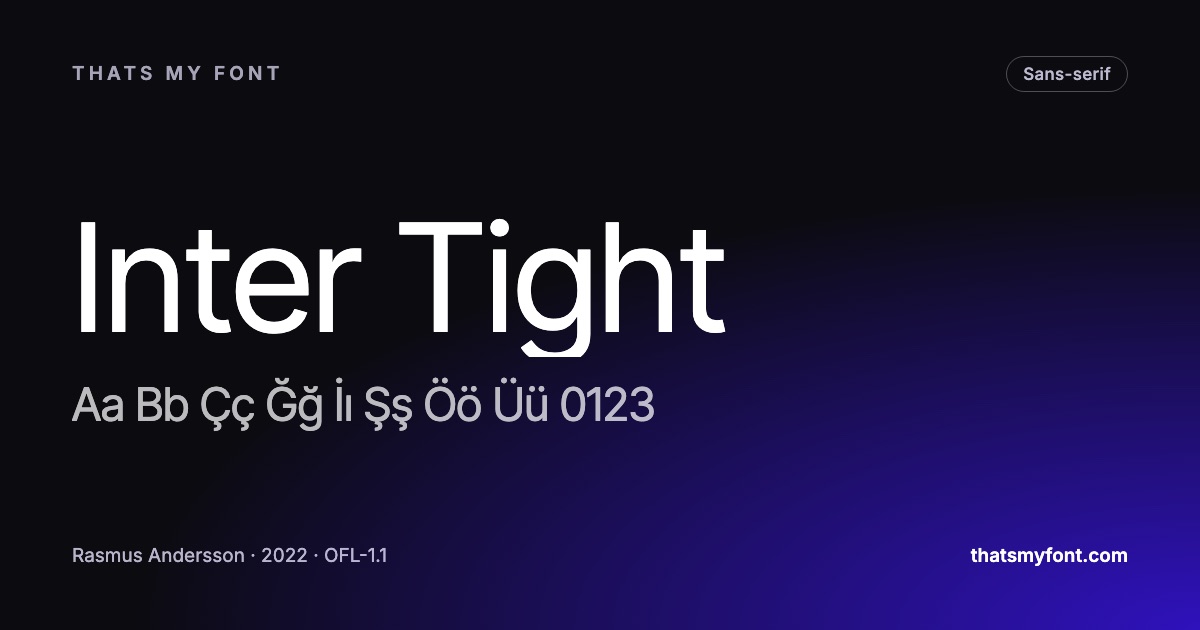
Some families save you the trouble. Inter Tight is Inter with the spacing already taken in for display sizes, so a headline in Inter Tight and body text in Inter match exactly without any negative letter-spacing.
Inter Tight — variable
Sphinx of black quartz, judge my vow
In the static download
Leading: the space between lines
Leading is named after the strips of lead a printer slid between lines of metal type. In CSS it is line-height, and it is best written as a plain number with no unit — line-height: 1.5 — so that it is recalculated for every element from its own font size. A value in pixels is inherited unchanged, and a heading inside a paragraph styled that way ends up with lines that overlap.
- Body text: around 1.4 to 1.6. Longer lines need the upper end, so the eye can find the start of the next one.
- Headings: around 1.1 to 1.25. Large type with body-text leading looks like separate lines rather than one heading.
- Faces with a large lowercase need more leading than faces with a small one at the same size, because the lines are visually closer together.
Word spacing and the rest
CSS also has word-spacing, which is rarely worth touching, and justified text, which changes word spacing line by line and opens the uneven gaps called rivers. On the web, left-aligned text is almost always the better choice. If you are choosing the typeface as well as setting it, the font pairing guide is the next step.
Kerning tables, and the gap that survives them
Kerning is data inside the font, and fonts carry wildly different amounts of it. A thoroughly drawn text family may have several thousand pairs; a free display face made for headlines might have a few dozen. That is the usual reason a large heading has one gap that looks wrong while everything else is fine.
The test string designers use is a handful of known troublemakers: AV, To, Wa, LT, Ty, P. and r. — capitals against round letters, and letters that lean away from each other. Set them at 100px in any specimen and the gaps show immediately. If a face fails that test it is not unusable, it is a face to keep away from large sizes.
When a single pair is wrong in a headline, fix that pair rather than tracking the whole line: in a design program that is a manual kern; on the web it is a span with a small negative letter-spacing. Adjusting the whole line to fix one gap creates four new ones.
Capitals, numbers and small caps
- Capitals are drawn with sidebearings for the lowercase they normally sit beside. A line of them wants 0.05 to 0.1em of extra tracking.
- Small caps want slightly more than capitals do — around 0.08em — because they are shorter and sit closer together optically.
- Numbers in a table want tabular figures rather than tracking. Most well-made families carry them, and they make every digit the same width so columns line up.
- Lining figures sit at cap height; old-style figures have ascenders and descenders and belong in running text rather than in a table.
Accents need room, and Turkish proves it
Tight leading is the first thing to break when the text is not English. A capital İ, a Ğ or an Ş has to fit between the line above and the baseline, and at a line height of 1.1 the accent collides with the descenders above it. Set a Turkish headline at the leading you chose for English and the İ will tell you within one line. Every font page here shows which alphabets the file really covers, and the Turkish letters are the ones to check first.
The rule that comes out of that: set leading with the language the page will actually be in, using a string that contains its tallest accents and deepest descenders. 1.15 is safe for headlines in most Latin languages; 1.1 is a decision to check rather than a default.